Sprint retros in the team room, starting from the numbers
Most teams plan in one tool and hold the retro in another. Open Planning Poker now runs both in the same team room, so the retro starts from what actually happened in the sprint.
Four steps
- Write: everyone writes cards in silence and sees only their own; the others show as a count per column.
- Group: the host reveals all cards; similar ones are dragged onto each other and get a title.
- Vote: each person places three dots (the host can change the number); nobody sees the others' dots.
- Discuss: the cards sort by dots, and the team agrees on action items with an owner.
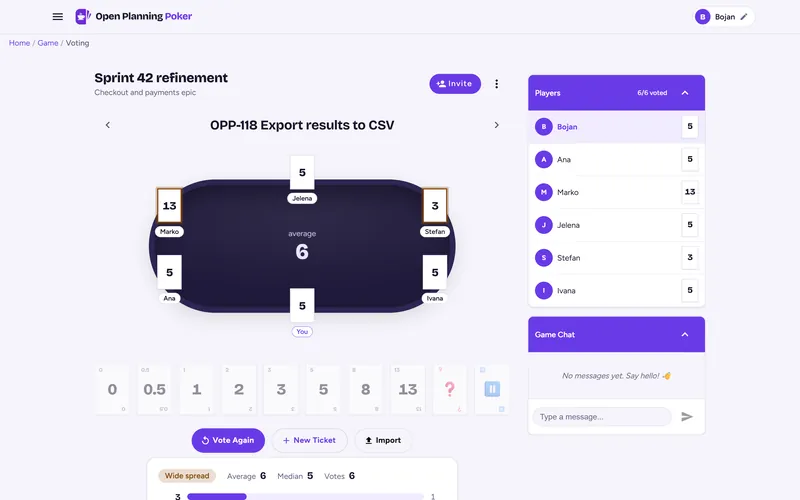
Start from data, not from memory
The Sprint in numbers panel shows the estimated and planned points, the velocity of the last sprints, tickets that took much longer or shorter than their card, and tickets the team was unsure about. One click turns any of them into a card.
Action items that come back
Open action items show in the team room until they are done, and the next retro opens with them. That is the part of a retro that most often gets lost.
The retro uses the sprint's room, so everyone joins with the same link, guests too, and the room timer works for the writing step. Templates: Went well / To improve / Ideas, Start / Stop / Continue, Mad / Sad / Glad and 4Ls.
Last updated: